Kondory Technology - Garment Factory Software
Skip to main content
Kondory: AI virtual assistant Online
0:00 Recording voice note…
Developed by Kondory Tecnología
¡Hola soy tu asistente virtual con I.A. !

Apparel Manufacturing Software and Garment ERP

Manage production, raw material inventory, sales and receivables for your garment factory in the cloud.

In short

What is garment ERP software?

Garment ERP, or apparel manufacturing software, manages technical specs, production orders, external workshop control, fabric and trim inventory, sales and e-invoicing for a clothing factory on a single cloud platform, with traceability of each garment from the tech spec to final delivery.
What the factory gains

Data in one place
Production, inventory and sales on one platform, available from any device.
Traceability
Follow every garment from tech pack to delivery, with control of materials, processes and external workshops.
Sales management
Manage orders, prices, discounts and receivables alongside your production.
Fewer errors
Avoid manual entry and decide with real production and inventory data.
Follow an order step by step
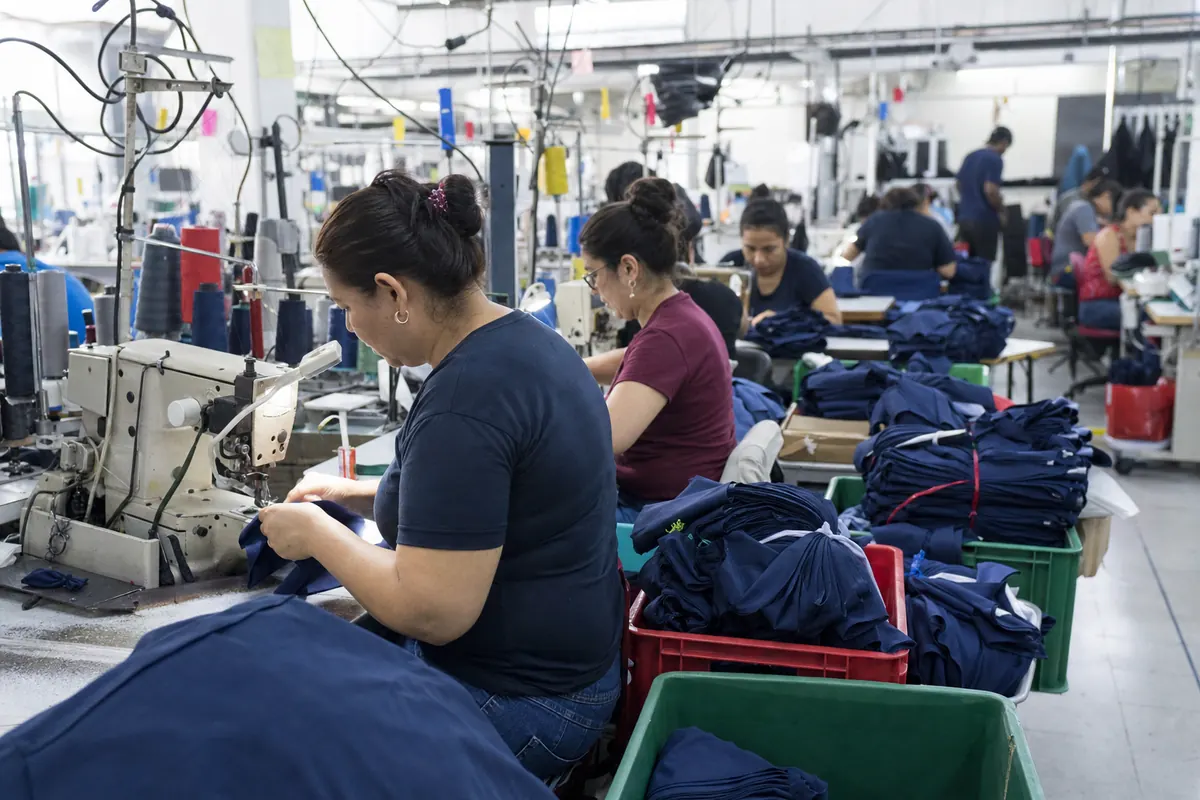
Operators sew t-shirts on lockstitch and overlock machines in a garment factory
Features

Control for every stage of your operation

Connect materials, production and sales from each garment style to final shipping.

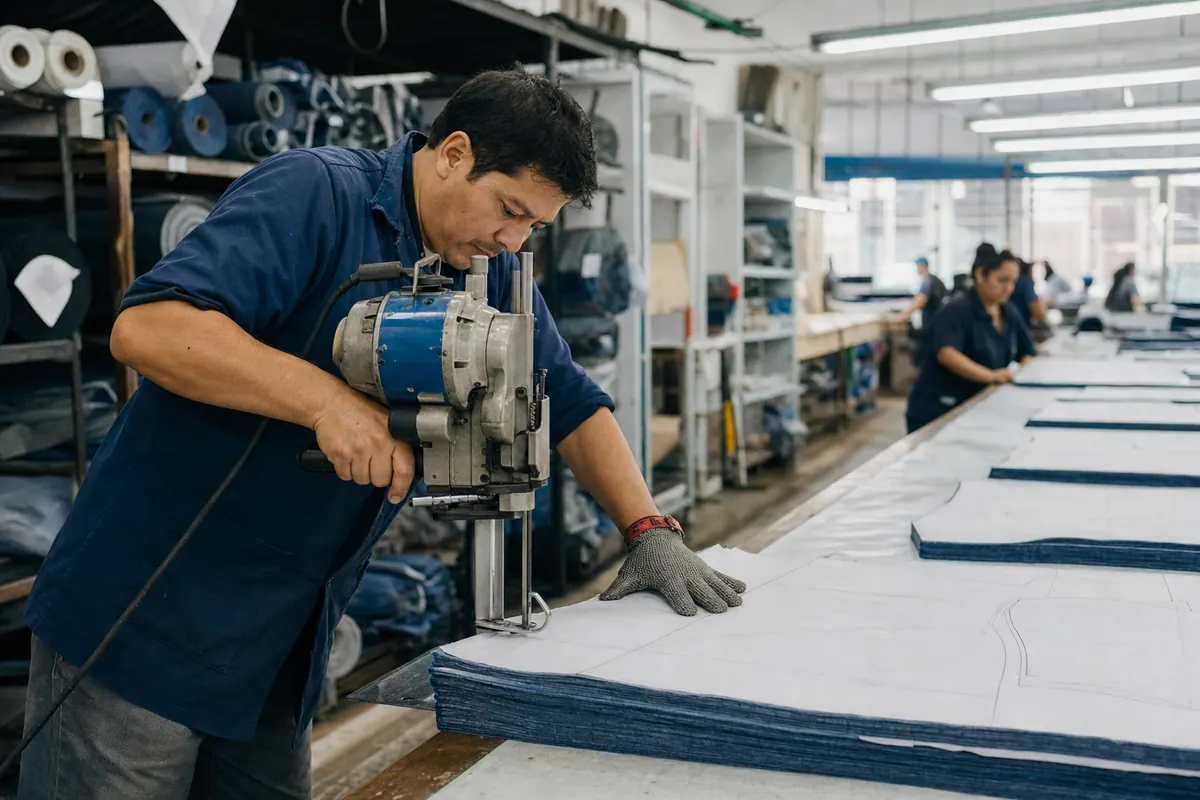
Worker cutting fabric pieces for a garment order

Set up styles and materials

Organize each garment's specifications and check fabric and trim availability.
  • Specs by style
  • Sizes and colors per garment
  • Minimum stock alerts
  • Lot traceability
Tech packsFabric inventory
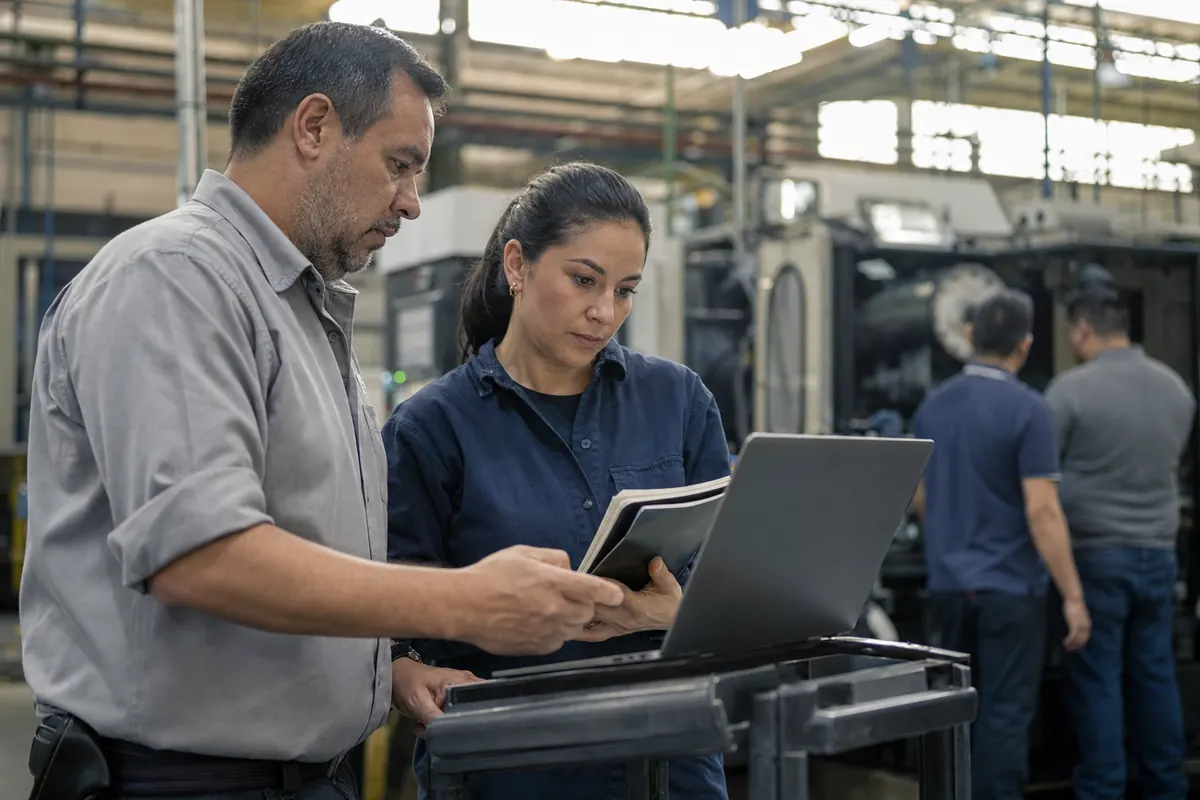
Supervisors reviewing work on a production floor

Track production and workshops

Check order progress, in-house work and quantities sent to external workshops.
  • Production orders
  • External workshop control
  • Progress status per order
  • Garment labeling
  • Scanner reading
ProductionBarcodes
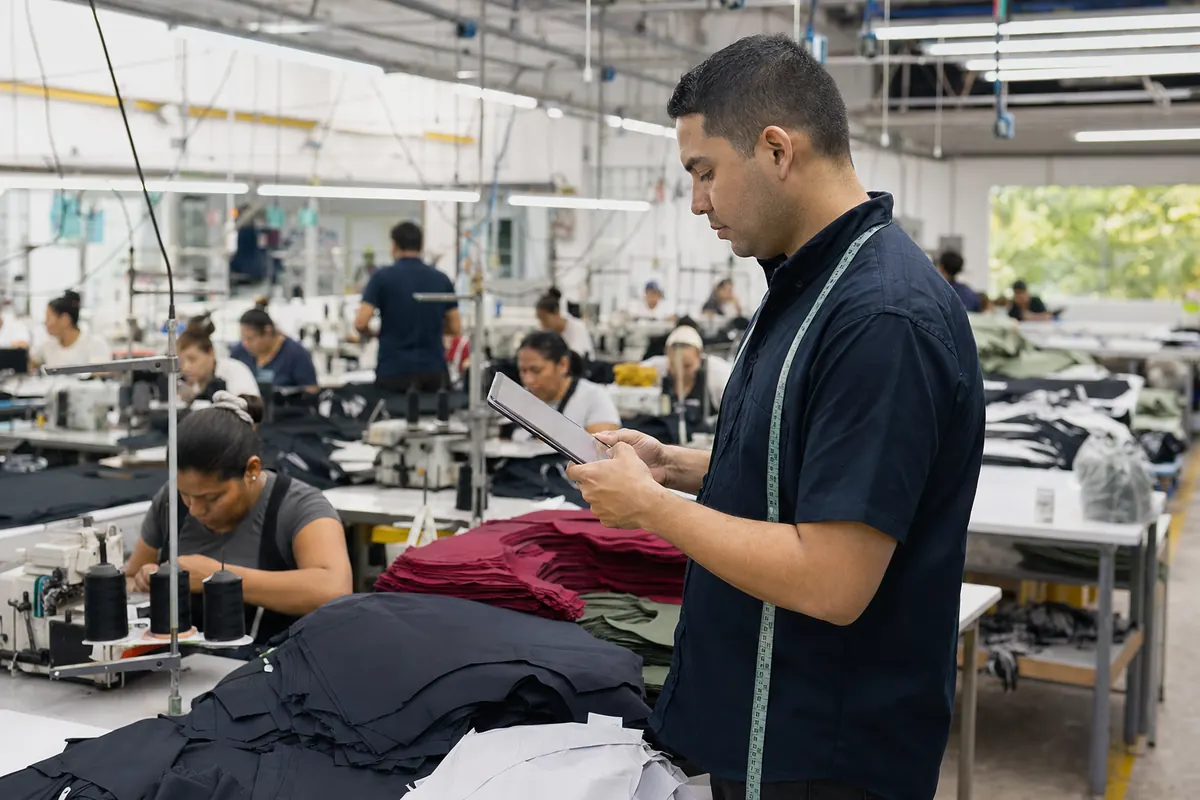
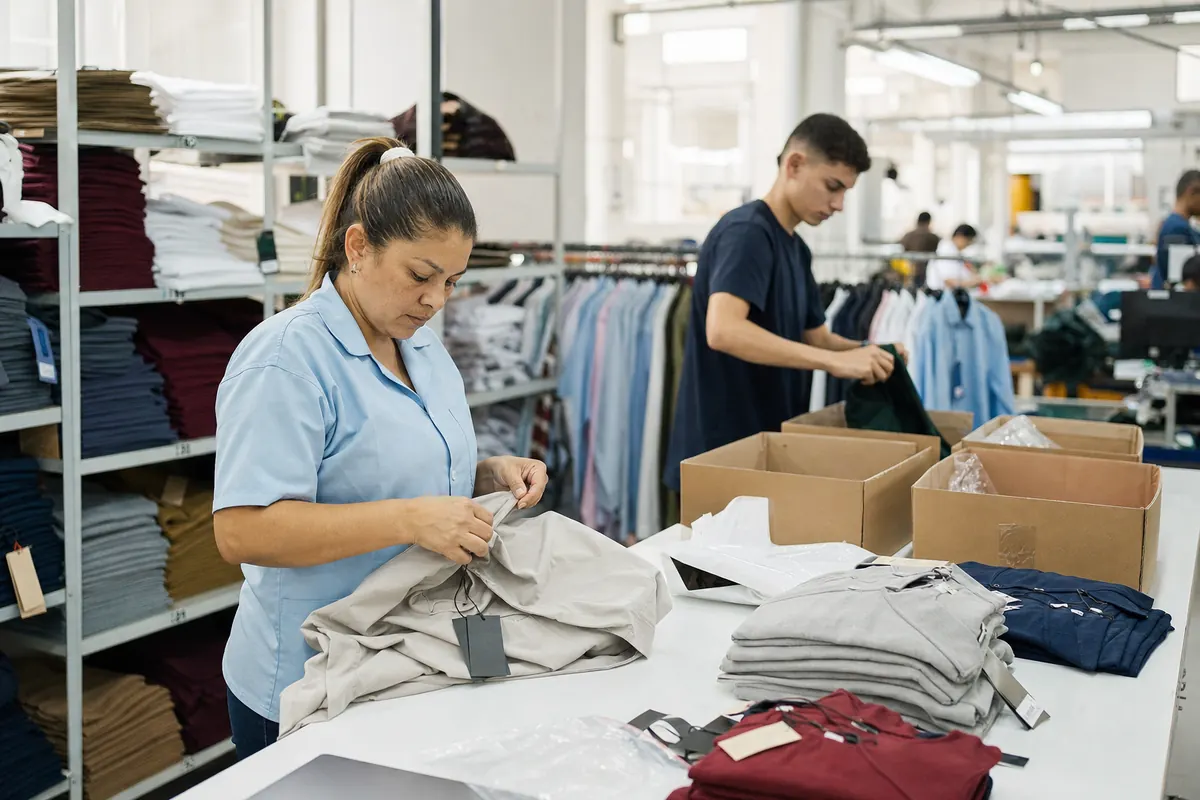
Garments being inspected and prepared for shipment

Prepare customer orders and shipments

Connect customer orders with finished goods, pricing and receivables tracking.

  • Customer orders
  • Price list by customer
  • Accounts receivable
  • Excel and PDF export
SalesReports
Step by step

Follow PO-1045 from cutting to shipping

600 women's jeans, style 2207. Pick each stage to see what the system records and which screen your team uses. Data shown is sample data. For other production plants, see also our manufacturing ERP with production, inventory and traceability management.

Stage 1 of 5 · Cutting

Cutting order by size and color

The order starts from the tech pack: the system works out the fabric you need and the cutter records how many pieces came out per size and color.

What gets recorded

  • Fabric consumption by style and roll
  • Order breakdown by size and color
  • Fabric issued from inventory, with its lot
PO-1045 · Cut breakdown
Color681012Total
Indigo blue30909030240
Black30909030240
Light gray15454515120

Fabric used: 642 m of 660 m planned

Stage 2 of 5 · Sewing

Operations and piece-rate payroll

In the in-house line every bundle carries its ticket. Each operator logs the operations she does and the system builds piece-rate payroll with no paper to add up.

What gets recorded

  • Operations per style with time and rate
  • Bundles assigned to each operator
  • Piece-rate payroll ready at close
PO-1045 · Line 3 operations
  • Op. 10 Attach back pockets · Marta R. 600 u
  • Op. 20 Attach yoke · Luz D. 600 u
  • Op. 30 Close side seams · Yaneth P. 380 u
  • Op. 40 Attach waistband · Contractor 0 u

Order payroll so far: 214 operations logged

Stage 3 of 5 · Contractor

Dispatch notes to outside workshops

Work done outside leaves with a dispatch note. You record what was sent, what comes back in each delivery and what is missing, and pay the workshop per garment received.

What gets recorded

  • Outgoing dispatch note with quantities by size
  • Partial deliveries, shortages and dates
  • Workshop settlement per garment received
Dispatch note RS-0388 · Workshop 07
  • Sent Pieces sent for waistband and buttonhole 600 u
  • Del. 1 First delivery · Tuesday 420 u
  • Due Balance to receive · due Friday 180 u
  • Paid Garments settled with workshop 420 u

Each workshop sees its notes; the factory sees them all

Stage 4 of 5 · Finishing

Finishing, quality and labeling

Pressing, buttonholes and buttons, inspection. Quality approves garments, sets seconds aside and every good garment leaves with its barcode.

What gets recorded

  • Finishing processes per order
  • Inspection: firsts, seconds and shortages
  • Barcode labels per style
PO-1045 · Quality check
  • 1st First-quality garments 584 u
  • 2nd Seconds · crooked seam 12 u
  • Short Shortages reported to workshop 4 u
  • Lbl. Labels printed 584 u

Seconds are kept in separate stock, with their own price

Stage 5 of 5 · Shipping

Warehouse, shipping and receivables

Garments enter finished goods with the scanner, ship against the customer order and the receivable is recorded in the same step.

What gets recorded

  • Warehouse entry by barcode
  • Shipping against the customer order
  • Delivery note and receivables
Order SO-3381 · wholesale customer
  • WH Entry to finished goods 584 u
  • Ship Shipped in 12 boxes 584 u
  • DN Delivery note DN-10452 · delivered to customer Issued
  • AR Receivable · due in 30 days Open

Real order cost ready to compare with the tech pack

Sample screen with fictitious data.

Warning signs

When a garment factory needs this software

  1. 01

    You do not know how many garments each contractor has or when they will come back.

  2. 02

    Piece-rate payroll is worked out by adding up tickets by hand every pay period.

  3. 03

    Fabric gets cut without knowing whether the roll will cover the whole order.

  4. 04

    Shipments are not matched to orders and receivables live in a notebook.

Who uses what

System user roles

Each module covers one process of the factory. Each user accesses only the modules for their role.

Role Tech packsProductionFabric inventoryBarcodesSalesReports
AdministratorFull control: modules, users, global reports and settings. Records and edits Records and edits Records and edits Records and edits Records and edits Records and edits
ProductionManages production orders, external workshops, processes and progress of each order. View only Records and edits View only No access No access View only
QualityInspects and approves finished garments, controls quality by style and records returns. View only Records and edits No access View only No access View only
WarehouseControls raw material and finished goods in and out, and physical inventory. No access View only Records and edits Records and edits No access No access
SalesManages orders, customers, shipments and accounts receivable. No access No access View only View only Records and edits View only
AccountantViews financial reports and receivables, and reconciles payments. No access No access No access No access View only Records and edits
  • Records and edits
  • View only
  • No access
  • Typical setup. Permissions are adjusted per user.

Ready to start your project?

Tell us your idea and receive a proposal tailored to you.

Consultation · Online · 30 minutes

Common questions

Frequently asked questions

What is a textile ERP?
It is a system that ties together production, fabric inventory, sales and invoicing for a garment factory. For a broader solution, see our manufacturing ERP.
Which modules does the apparel manufacturing software include?
Technical specs, sales, barcodes, production, fabric inventory and reports. Each module integrates with the others.
Can I control external workshops?
Yes. The production module covers production orders, external workshop control, process tracking, labor recording and progress status per order.
Can I trace each garment and fabric lot?
Yes. It tracks every garment from the technical spec to final delivery, and fabric inventory has lot traceability.
Does it include e-invoicing?
Yes. The sales module includes electronic invoicing, customer orders, price lists by customer and accounts receivable control.
Can it be adapted to my factory?
Each user only accesses the modules for their role. For specific needs, we can build them as custom software development. See more in our software solutions.
Get to know the system

Book a demonstration

Choose a time that works for you. We will review your operation and answer your questions about the system.

Choose a date and time Open the calendar in a new tab