Kondory Technology - Equipment maintenance software
Skip to main content
Kondory: AI virtual assistant Online
0:00 Recording voice note…
Developed by Kondory Tecnología
¡Hola soy tu asistente virtual con I.A. !

Maintenance Management Software for Preventive & Corrective Maintenance

Biomantenimiento is Kondory's SaaS maintenance management software (CMMS): control preventive and corrective maintenance of biomedical, industrial, IT and air conditioning equipment from the cloud.

In short

What is Biomantenimiento?

Biomantenimiento is cloud maintenance management software (a CMMS) built by Kondory Technology as a SaaS product. It lets teams record and control preventive and corrective maintenance of biomedical, industrial, IT and air conditioning equipment, keep equipment records with QR codes and export PDF and Excel reports, with no limit on users or equipment.

Equipment you can manage

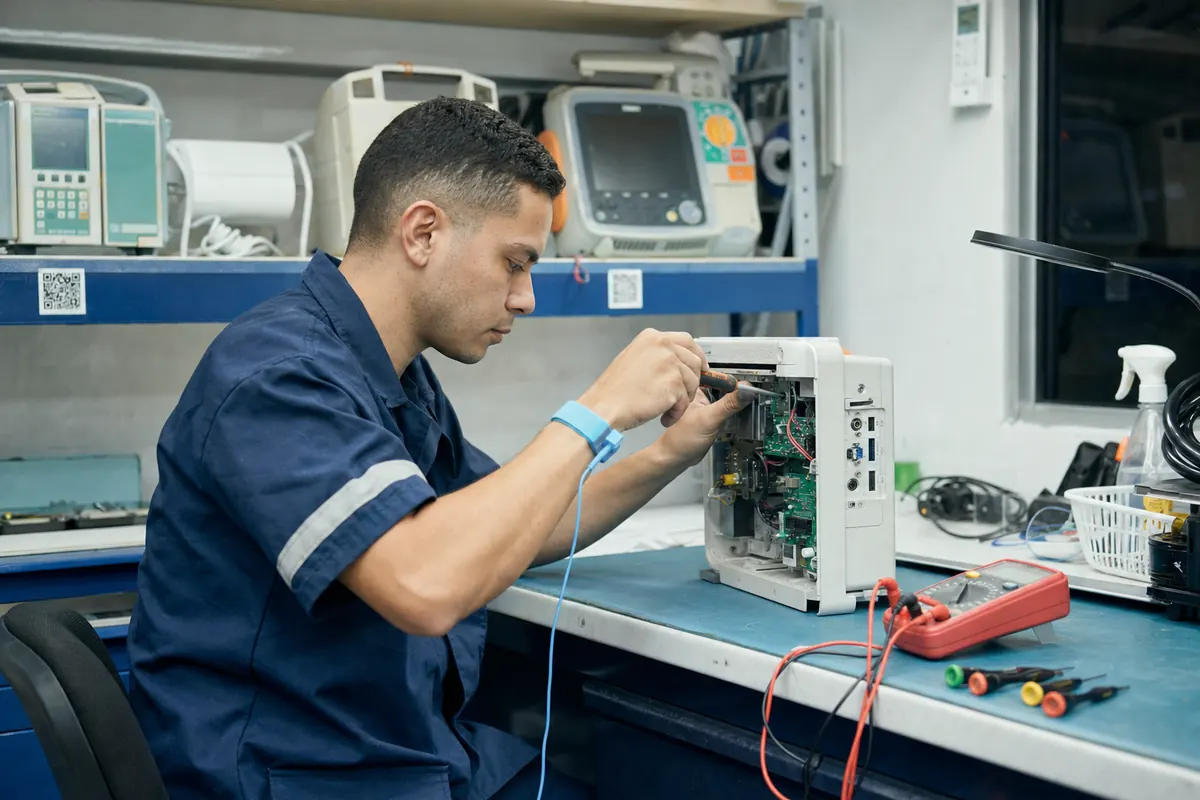
  • Biomedical equipmentVital signs monitors, infusion pumps, defibrillators, ventilators, autoclaves and dental equipment.
  • Industrial equipmentCompressors, motors, pumps, generators, boilers and plant machinery.
  • IT equipmentComputers, printers, servers, networks and peripherals in every area.
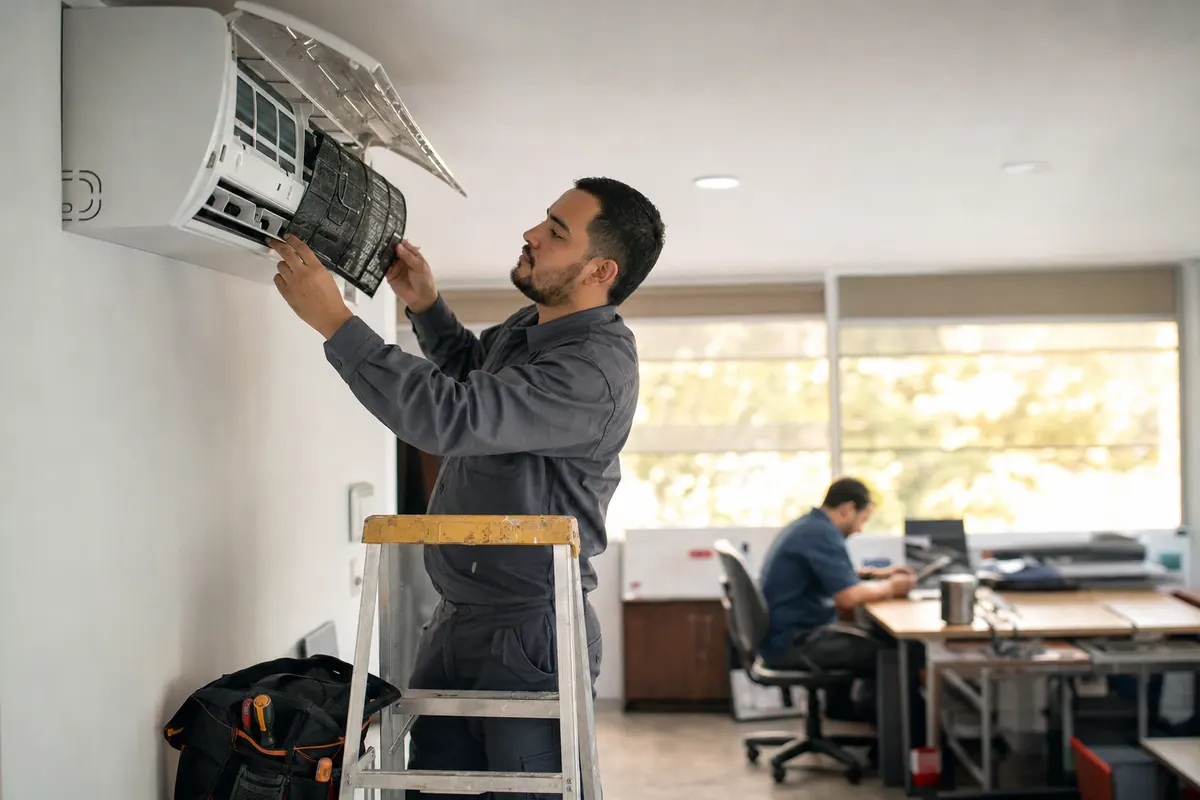
  • Air conditioningSplit, cassette, ceiling-floor and central units, with their cleaning and service history.

Biomantenimiento comes from Kondory's experience as a software company in SaaS product development: a ready-to-use product you open in the browser and that stays up to date without installations. If you need a maintenance platform built around your own processes, we also deliver it as custom software.

See how the QR works
Maintenance technician cleans the filter of a wall-mounted split air conditioner in an office
Three profiles

What each profile sees in Biomantenimiento

Pick a profile to see its screen and what it can do. Data shown is sample data.

Administrator

Manages the whole platform and has access to every module. Oversees technicians, equipment, reports and settings.

Can

  • Create clients, technicians and users
  • Register equipment and its maintenance
  • Assign maintenance jobs to each technician
  • Configure the platform and see every report

Cannot

Nothing: full access to every module.
Technician

Manages maintenance, records diagnoses, updates equipment and uploads documents.

Can

  • Scan the QR and open the equipment record
  • Log diagnoses and activities
  • Update equipment data and photo
  • Upload documents and evidence

Cannot

Create users or change settings.

Client

Read-only. Sees their equipment, maintenance history and reports.

Can

  • View their equipment and its records
  • See maintenance history
  • Download their reports as PDF and Excel
  • Review compliance statistics

Cannot

Change data: the profile is read-only.

Sample screen with fictitious data.

Warning signs

When maintenance software pays off

  1. 01

    Equipment records live in folders and turn up half-complete when an audit arrives.

  2. 02

    The preventive schedule lives in a spreadsheet only one person understands.

  3. 03

    The client asks for the monthly report and someone has to build it by hand.

  4. 04

    The technician gets to the equipment without knowing what was done last time.

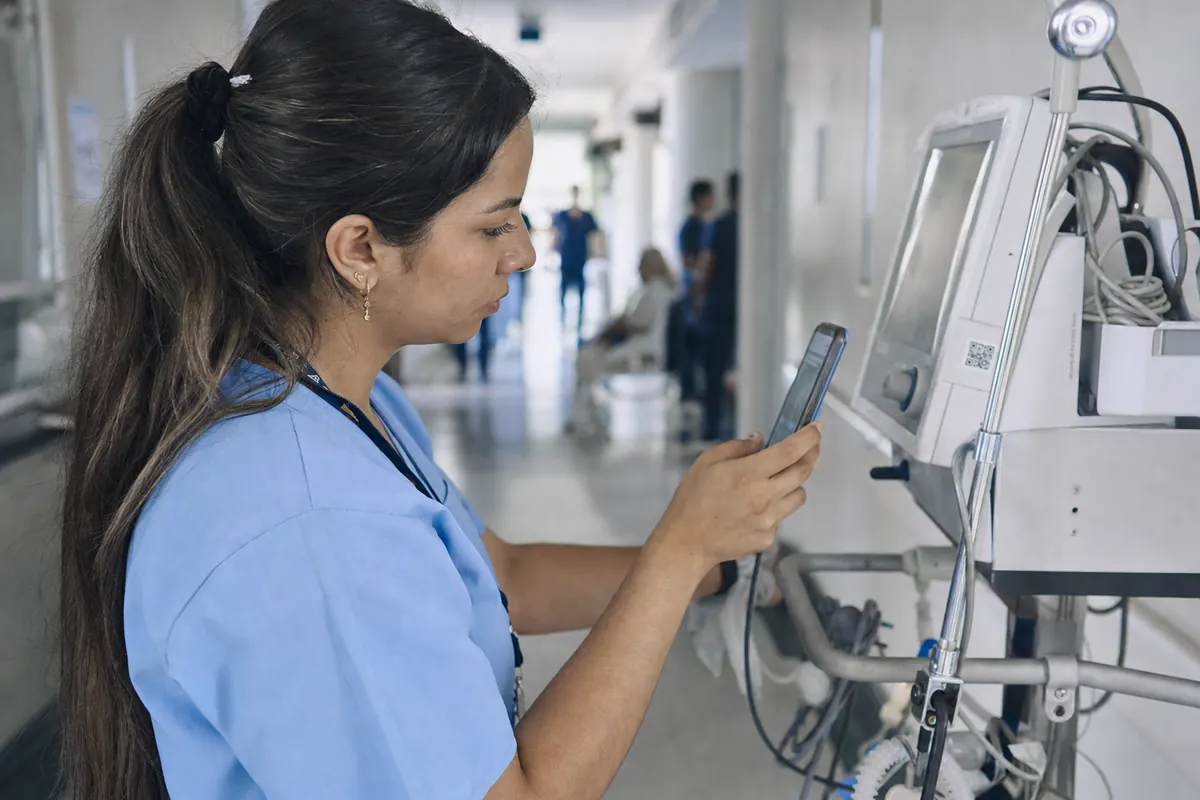
Biomedical engineer scans the QR code on a ventilator with her phone in a hospital corridor
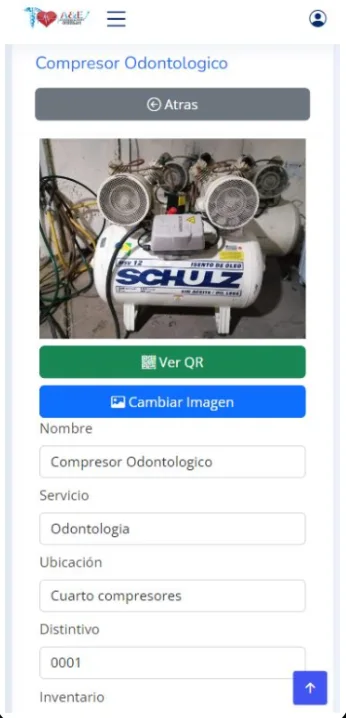
Real Biomantenimiento screen on a phone: record of a dental compressor with its photo and the View QR button
Real app screenshot (Spanish)
In the field

A QR on every item, its history on your phone

Technicians do not dig through folders or ask about past work: they scan the code on the equipment and have everything on screen.

  1. Register the itemName, department, location, inventory number, photo and manufacturer documents.
  2. Stick on its QR codeThe system generates a QR for each item, ready to print and stick on.
  3. Scan it with a phoneThe equipment record opens: data, past and pending maintenance.
  4. Log the maintenanceDiagnosis, activities and documents stay linked to the item.
  5. Download the reportAs PDF or Excel, for the client, an audit or your files.
Watch the demo video

Ready to start your project?

Tell us your idea and receive a proposal tailored to you.

Consultation · Online · 30 minutes

Common questions

Frequently asked questions

What is maintenance management software (CMMS)?
It is a tool that centralizes the equipment inventory, its documentation and the log of preventive and corrective maintenance so every asset is tracked in an orderly way. Biomantenimiento is Kondory's maintenance management software, delivered as a cloud service.
What types of equipment can I manage?
Biomedical, industrial and IT equipment and air conditioning systems. Each asset is registered in the inventory with a QR code and has its own equipment record, plus decommissioning records.
Does it cover both preventive and corrective maintenance?
Yes. You manage both types of maintenance, technicians record diagnoses and documentation, and the history stays linked to each asset. You can generate maintenance reports and compliance statistics in PDF and Excel.
Which user roles are available?
Three: administrator, with access to every module; technician, who manages maintenance and equipment; and client, a read-only role for their equipment, history and reports. See it in action in the free demo.
Do I need to install anything, and is there a user limit?
Nothing to install: use it from any browser on a computer, tablet or smartphone. The platform does not limit the number of users or equipment.
Can you build maintenance software tailored to my company?
Yes. Besides Biomantenimiento as a product, Kondory offers custom software development and SaaS platform development for specific maintenance processes.
Get to know the system

Book a demonstration

Choose a time that works for you. We will review your operation and answer your questions about the system.

Choose a date and time Open the calendar in a new tab